
Feature
Color-coded Google Calendar events by order type
Good news for Bird Pickup & Delivery merchants who use Google Calendar: your order events can now be color-coded. Give pickup, delivery and shipping orders their own color, plus one for fulfilled orders, and see your day at a glance without opening a single event.
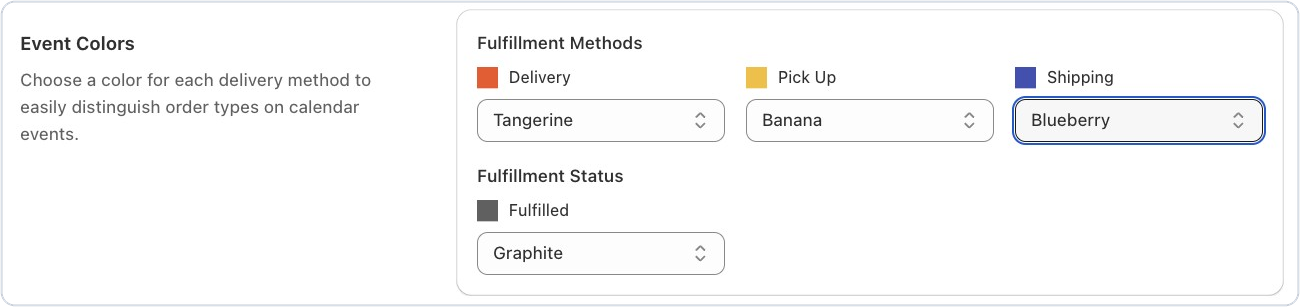
Where to set it
Bird Settings > Integrations > Google Calendar > Event colors
Example
A florist in Boston sets delivery orders to Tangerine, pickups to Banana and fulfilled orders to Graphite. One look at Saturday’s calendar shows which bouquets still need to go out.
Things to know
- Choose from Google Calendar’s own color palette, like Tangerine, Banana, Blueberry and Graphite.
- Once an order is fulfilled, its event switches to your fulfilled color, so finished orders fade into the background.
- Each method starts with a default color, so you only change the ones you want.