
 Integrations
EasyRoutes Local Delivery Route
You’ll learn how to connect Bird Pickup & Delivery with EasyRoutes to automate delivery scheduling and create optimized delivery routes.
EasyRoutes is a comprehensive local delivery management platform that optimizes delivery routes and manages driver dispatch. This integration connects your customer scheduling system with EasyRoutes’ powerful features. Customers select delivery times during checkout. EasyRoutes automatically receives this data to optimize delivery routes and dispatch drivers. It also provides real-time order tracking with notifications.
Key EasyRoutes Features
Route Optimization & Planning
- Smart Route Optimizer: Automatically generates the most efficient delivery sequences based on delivery dates, addresses, and time windows
- Auto-Generated Packing Lists: Creates optimized packing lists for each route to streamline order preparation
- Custom Stop Management: Add custom stops, pickup locations, and special delivery instructions
Driver Management & Tracking
- Mobile Driver App: Dispatch drivers with optimized routes, real-time GPS tracking, and proof of delivery capabilities
- Live Route Updates: Drivers receive real-time route adjustments and new order notifications
- Performance Analytics: Track driver efficiency, delivery times, and route completion rates
Customer Communication
- Real-Time Order Tracking: Customers can track their orders with live delivery updates and estimated arrival times
- Automated Notifications: Send email updates for order confirmation, dispatch, and delivery status
- Proof of Delivery: Capture delivery photos, e-signatures, and notes for complete delivery verification
Installation and Setup
Step 1: Install Both Apps
Install the required apps from the Shopify App Store:
- Bird Pickup & Delivery Date App: Install Here
- EasyRoutes App: Install Here
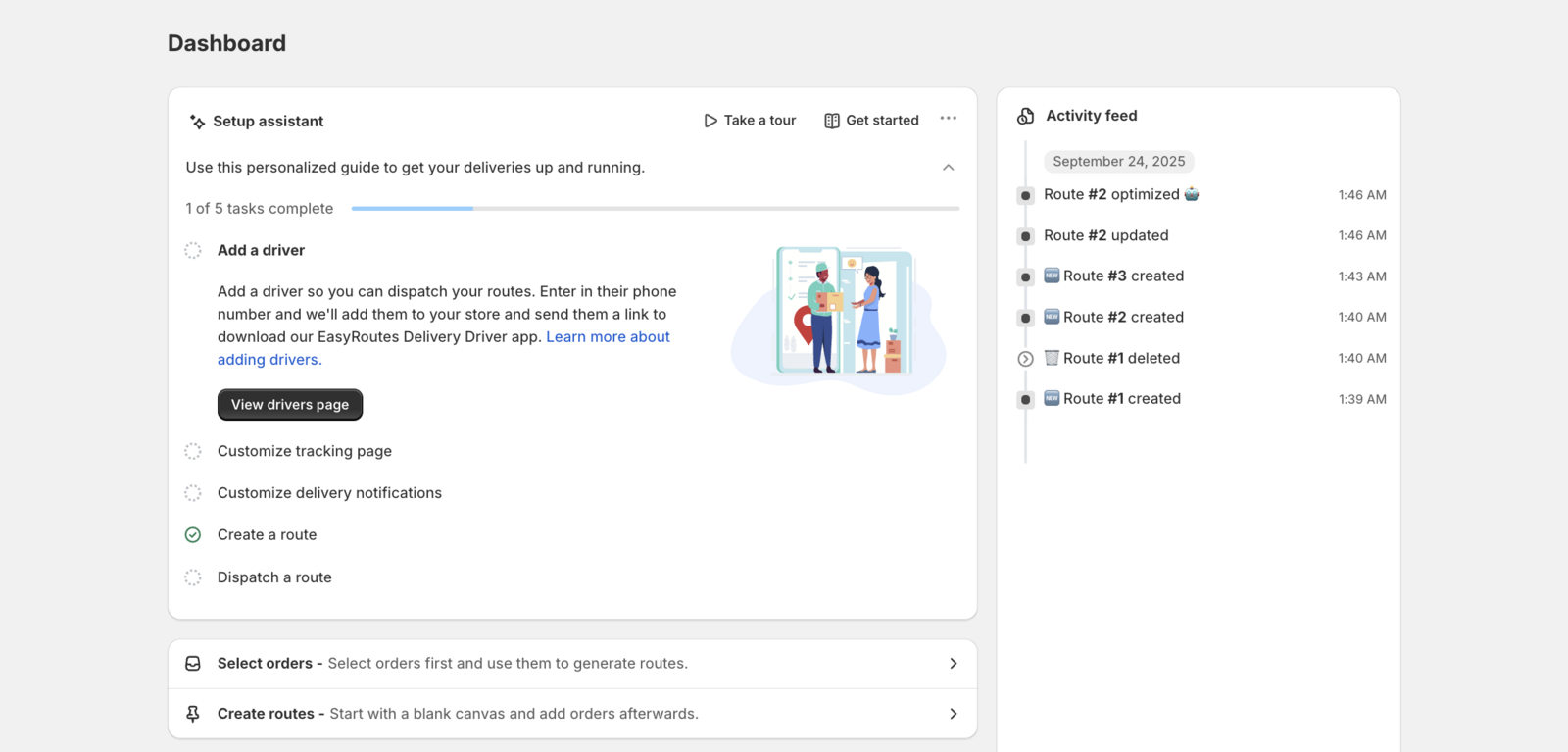
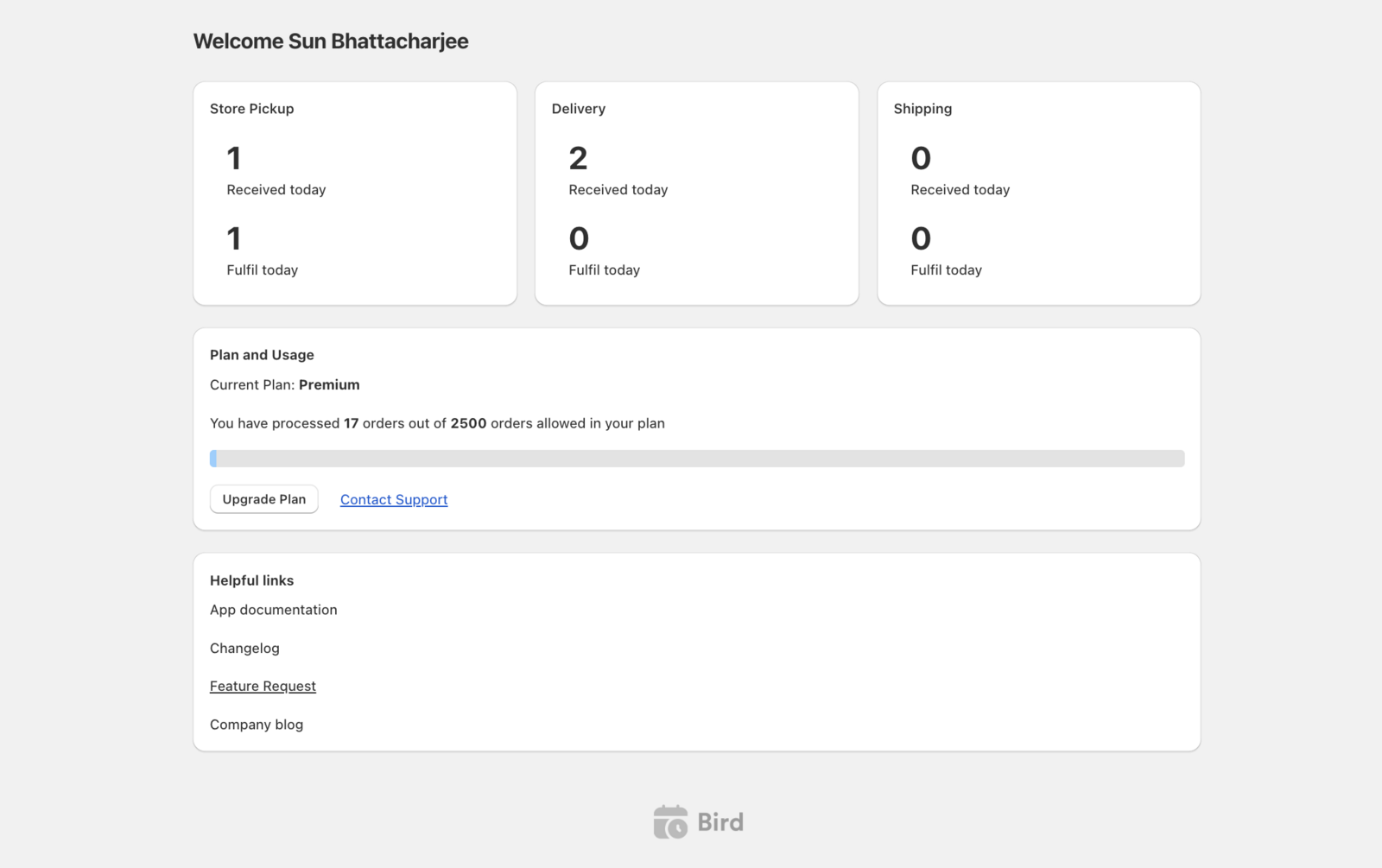
Step 2: Configure Delivery Settings
Set up your delivery and pickup options in Bird Pickup & Delivery Date:
- Open the Bird Pickup & Delivery Date app
- Navigate to Bird Settings → Configure locations (or Pickup & delivery if you use one schedule for all locations)
- Configure your delivery locations and time slots
- Set pickup options if applicable
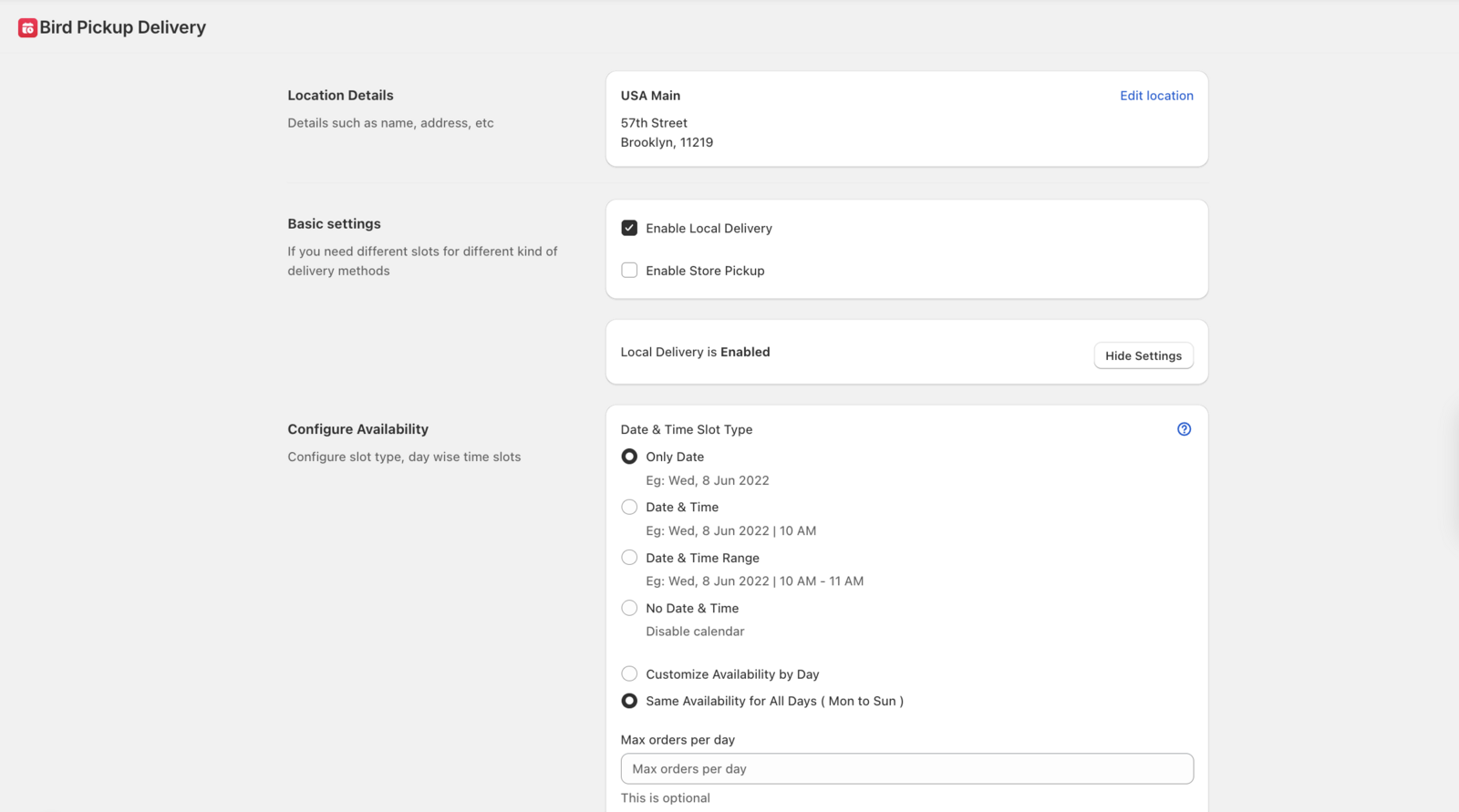
Need help with availability settings? See our Store Pickup: Configure Availability guide.
Step 3: Confirm the Apps Are Linked
There’s no connect or authorize step in Bird. The EasyRoutes Local Delivery tile under Bird Settings → Integrations → Delivery Routes Optimization only opens EasyRoutes’ App Store listing. With both apps installed, EasyRoutes reads the delivery date Bird writes on each order.
Step 4: Verify Data Sync
Test that delivery dates sync properly between systems:
- Create a test order with delivery date selection
- Check that the delivery date appears in EasyRoutes order details
- Verify the sync is working before proceeding with route planning
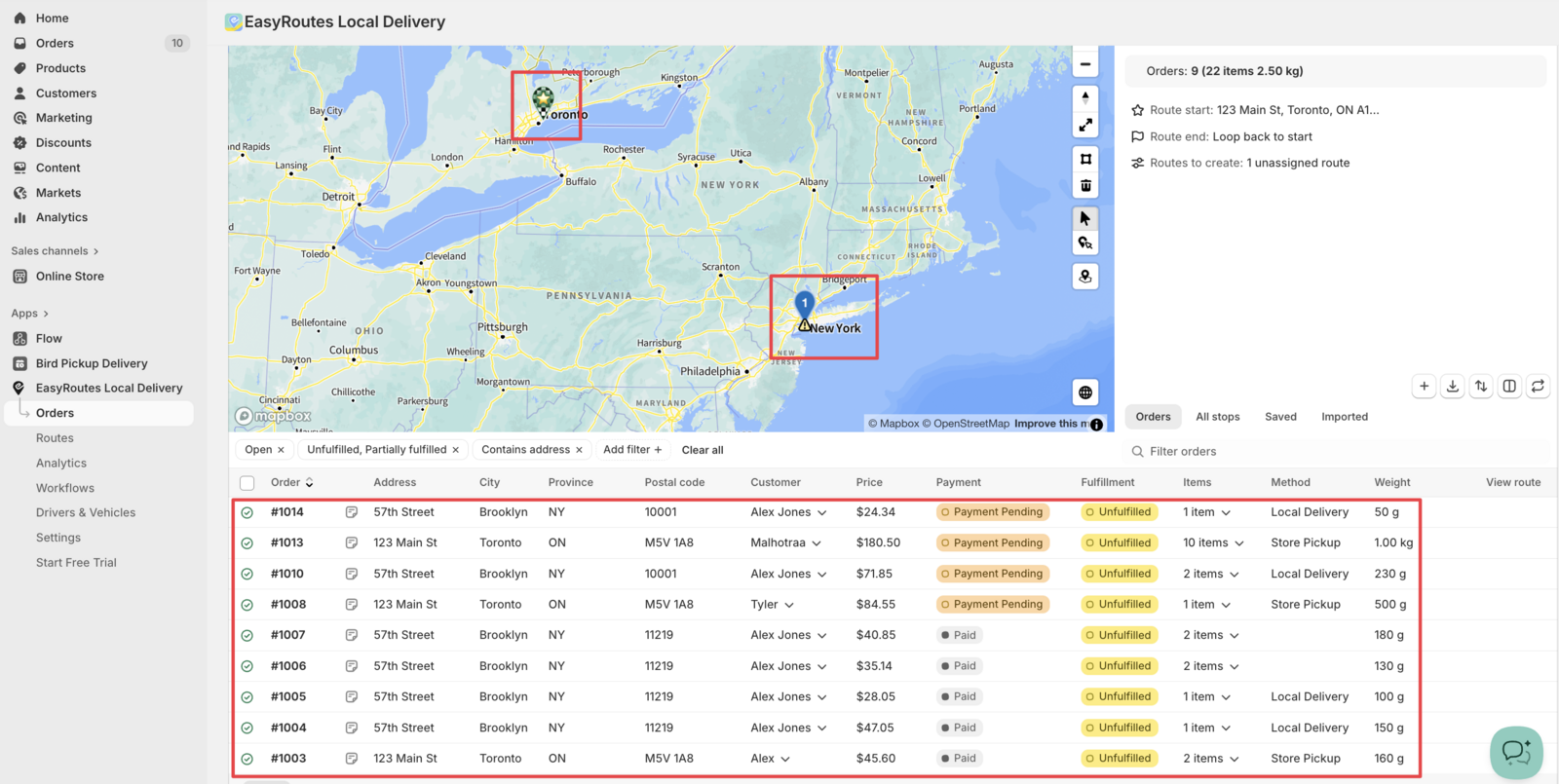
Step 5: Create Optimized Delivery Routes
Use the synced delivery data to plan routes:
- Open EasyRoutes dashboard
- View orders with automatically populated delivery dates
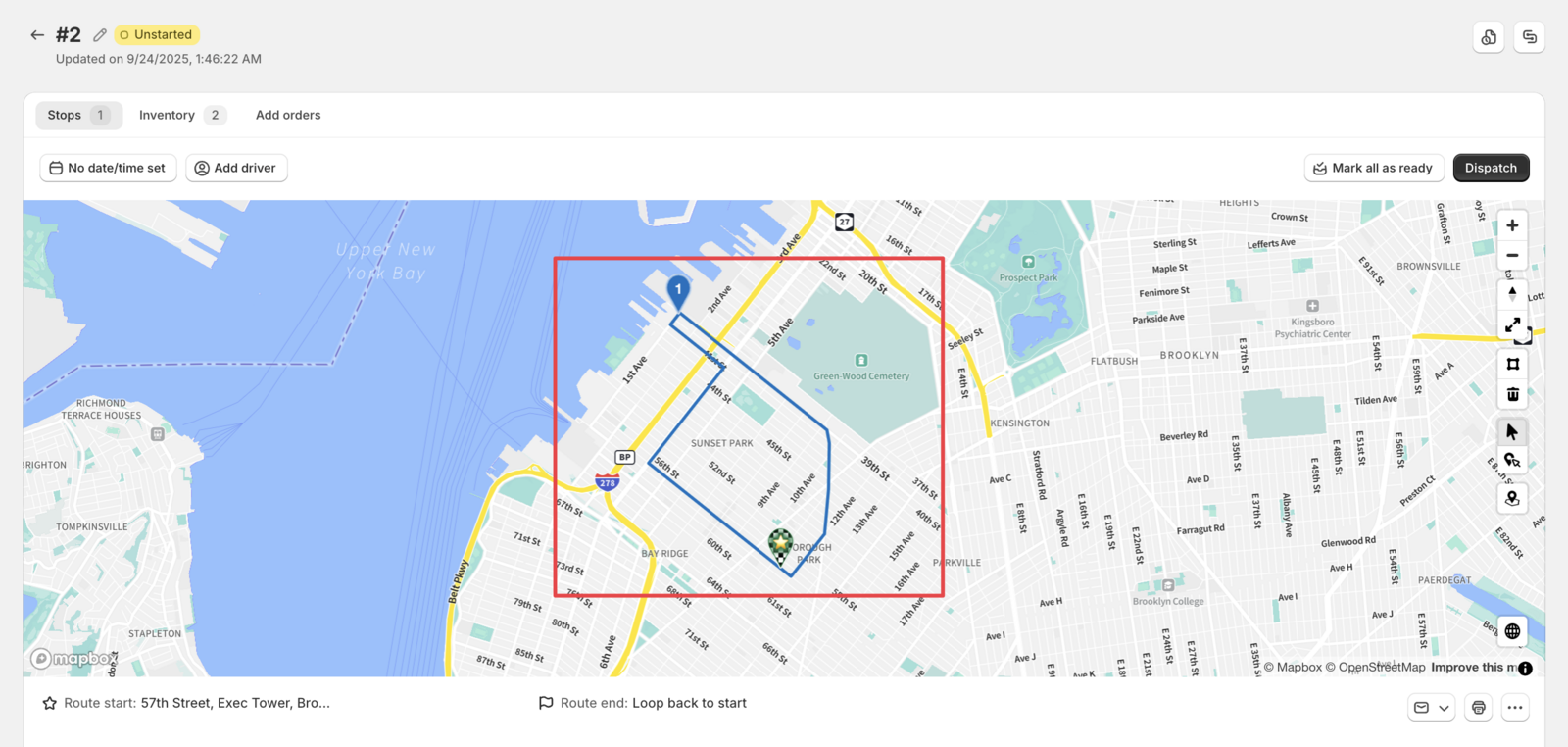
- Use the route optimizer to auto-generate efficient delivery sequences
- Review and customize routes as needed
- Generate packing lists automatically
Related Articles
Was this article helpful?
Thanks for your feedback!