
 Order Management
Reports: Location Insights
B
Written by Bird Pickup & Delivery
Updated October 10, 2026
Location Insights shows how many orders each of your store locations received and has to fulfil, so you can see at a glance which stores are busy today. It’s on the Bird home page for stores with more than one location.
Requirements
Multi-location turned on in Bird. With a single location, the home page shows a simpler Order insights summary without the chart or location picker.
Open Location Insights
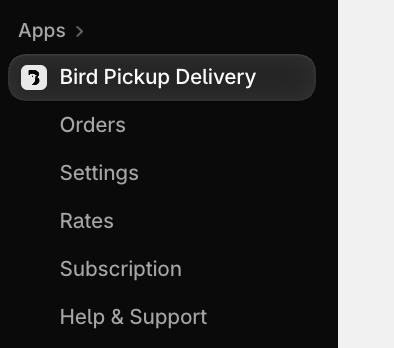
- In your Shopify admin, click Apps > Bird Pickup Delivery. This opens the Bird home page, where Location Insights sits under Order insights.
- Choose Today or Yesterday from the date menu.
- Pick a location from the menu at the top of the card, or keep All locations to see every store together.
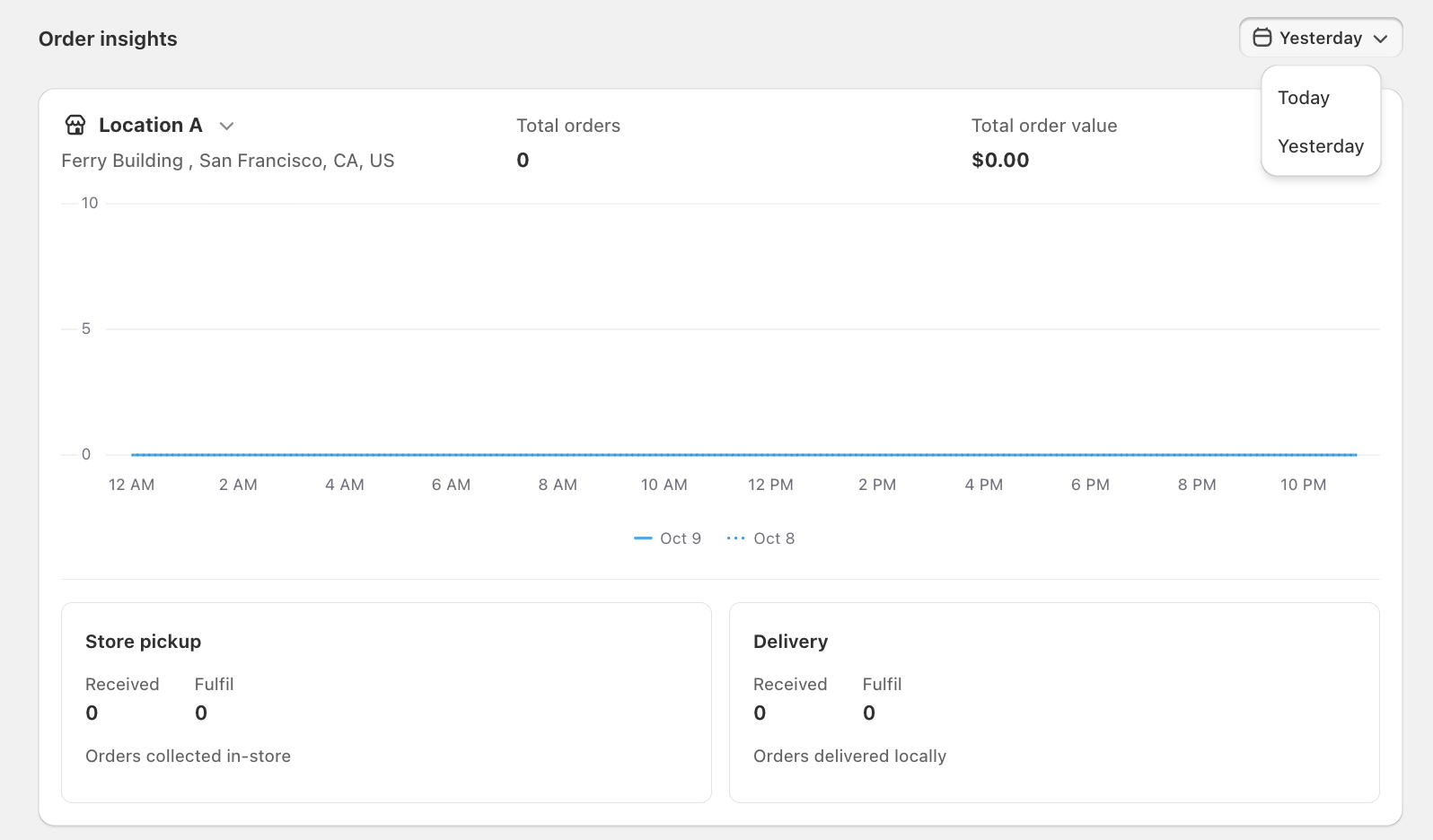
What it shows
💡
| Item | What it counts |
|---|---|
| Total orders | Orders placed on the chosen day |
| Total order value | The total of those orders, in your store’s currency |
| Hourly chart | Orders placed each hour. The solid line is the chosen day, the dotted line is the day before, for comparison. |
| Received | Orders placed on the chosen day for that method |
| Fulfil | Orders scheduled for pickup, delivery or shipping on the chosen day |
There’s one card for each delivery method you have turned on, such as Store pickup and Delivery.
Days follow your store’s time zone.
Open the matching orders
Click any Received or Fulfil number to open the Orders page, filtered to that method and day. See Orders: View, Sort & Filter in Bird.
Notes
- Numbers refresh every 10 minutes, so a very recent order can take a few minutes to appear.
- Only orders that went through Bird are counted.
- For longer date ranges, export a report instead. See Reports: Export Orders & Production Reports.
Related Articles
Was this article helpful?
Thanks for your feedback!