
 Discounts
Discounts Overview
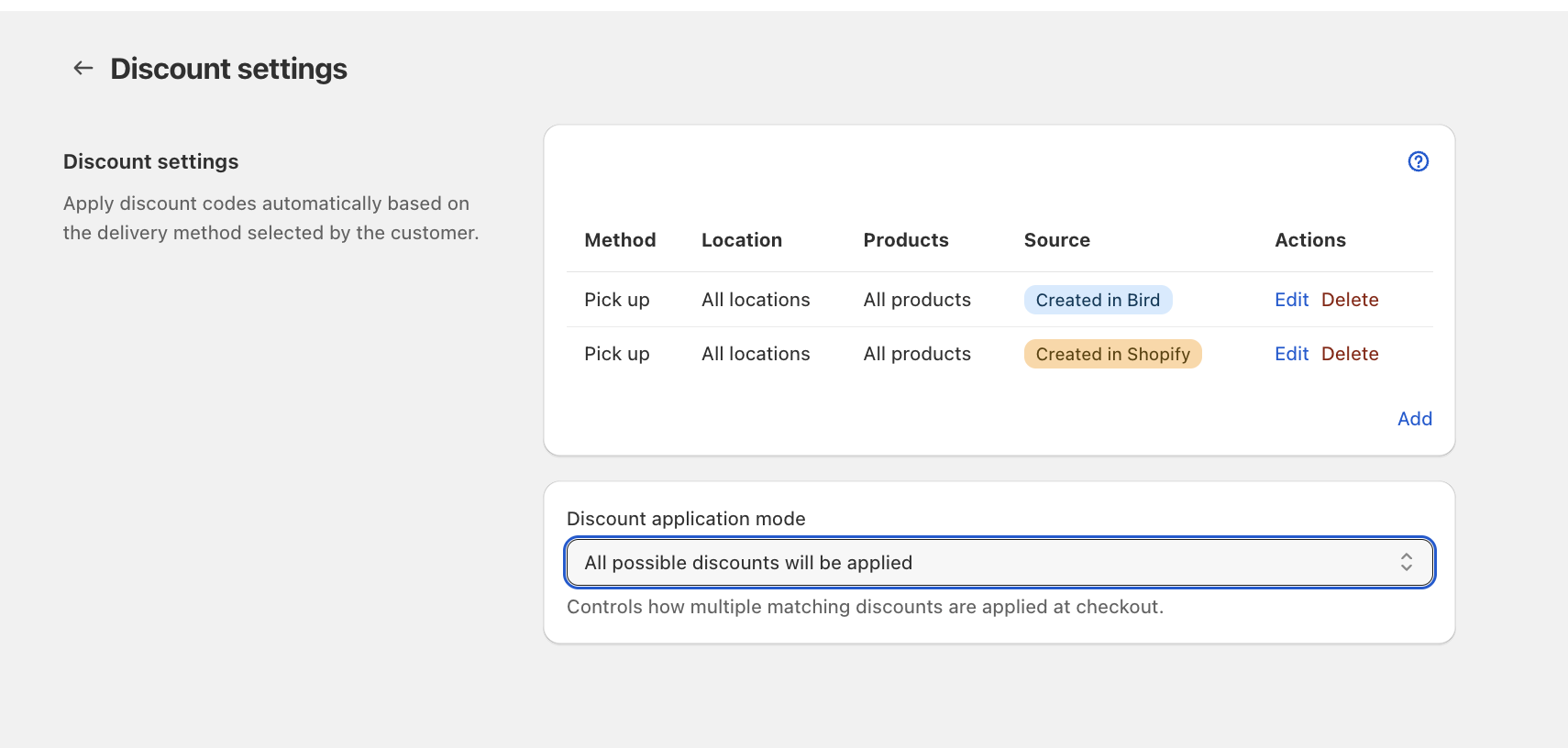
Bird can take money off an order based on how the customer gets it: store pickup, local delivery or shipping. You might give 10% off every pickup order, free delivery on Black Friday, or 15% off delivery to one neighbourhood.
You set discounts up in the Bird app under Bird Settings > Discounts. The customer never enters anything. The discount appears in the cart and at checkout once they choose a delivery method in the Bird widget.
Two Kinds of Discount
When you click Add, you choose where the discount comes from.
| Create in Bird | Create in Shopify | |
|---|---|---|
| What it is | A percentage or fixed amount you set up in Bird | A discount code you already made in Shopify Admin |
| Limit it to a location | Yes | No |
| Limit it to days, dates, times or zip codes | Yes (Growth plan) | No |
| Limit it to product collections | Yes (Growth plan) | No |
| Free shipping or buy X get Y | No | Yes, if the Shopify code does it |
| How many you can have | Up to 25 | No limit |
Use Create in Bird for most delivery-method discounts. Use Create in Shopify when you need something Bird’s discounts can’t do, such as free shipping or a code with its own customer eligibility.
Before You Start
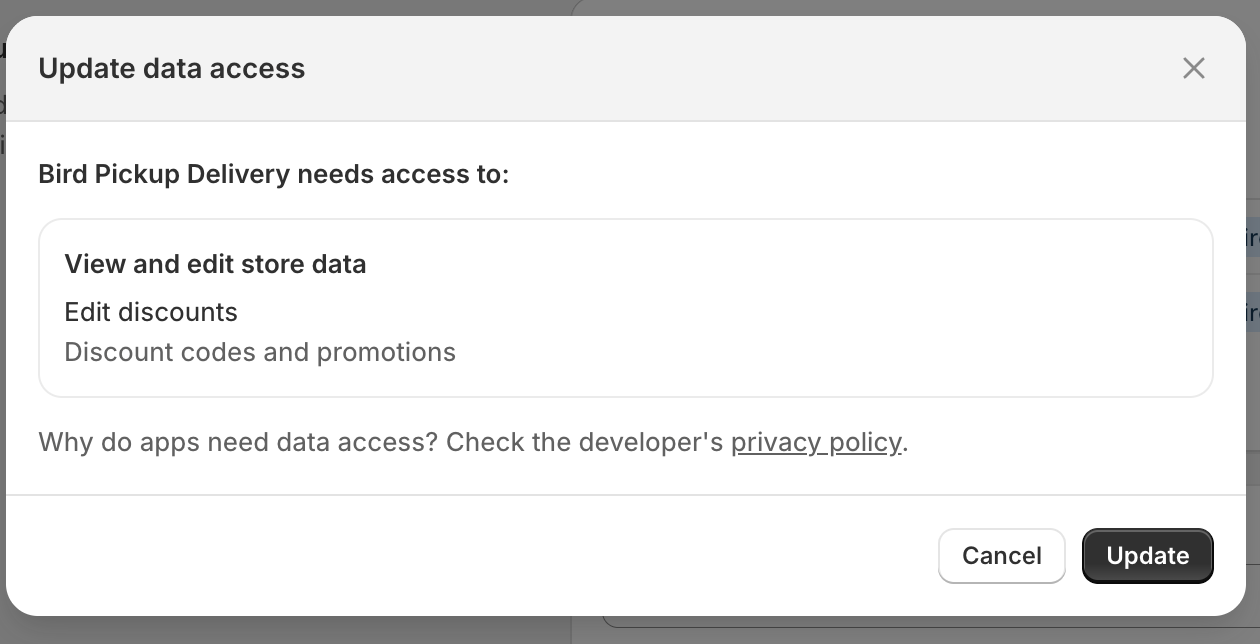
The first time you open Add, Shopify asks you to let Bird read and manage discounts. Click Update. If you decline, the discount form won’t open.
Which Plan You Need
| What you want to do | Plan |
|---|---|
| Add any discount (Bird or Shopify code) | Essential or higher |
| Use weekday, date, time or zip code conditions | Growth or higher |
| Limit a discount to collections | Growth or higher |
If your plan changes:
- Below Essential: your Bird discounts stop working at checkout. They stay in Bird and come back when you upgrade. Shopify codes you already linked keep working.
- Below Growth: Bird discounts that use conditions or collections stop working. They come back with their conditions when you upgrade, but their collection choices are removed, so you’d need to add those again.
When More Than One Discount Matches
You can have several discounts for the same delivery method, for example one per location. When two or more match the same order, Discount application mode on the Discounts page decides what happens.
| Mode | What happens |
|---|---|
| Maximum possible discount will be applied (default) | Only the biggest matching discount applies |
| Minimum possible discount will be applied | Only the smallest matching discount applies |
| All possible discounts will be applied | Every matching discount applies |
The mode covers all your Bird discounts. In the first two modes, a Bird discount also won’t combine with your other Shopify order discounts.
Discounts that cover different products both apply in any mode. See Discount Conditions.
Related Articles
Was this article helpful?
Thanks for your feedback!