
 FAQs
FAQs
Why can't I access orders older than 60 days?
Problem
Order data disappears from Bird after a certain number of days, and older orders can become inaccessible, often without an obvious reason why.
How this article helps
Why old order data disappears from Bird, what Bird’s default retention period is (60 days, on any plan), and how to unlock up to 365 days on the Scale plan.
Bird can only keep order data that Shopify allows it to read. We don’t store order history forever. How long Bird keeps your data is controlled by the Data retention setting in Settings > Order Management, and data older than that period is automatically and permanently deleted.
Default retention: 60 days on any plan
Go to Settings > Order Management in the Bird app and scroll down to Data retention.
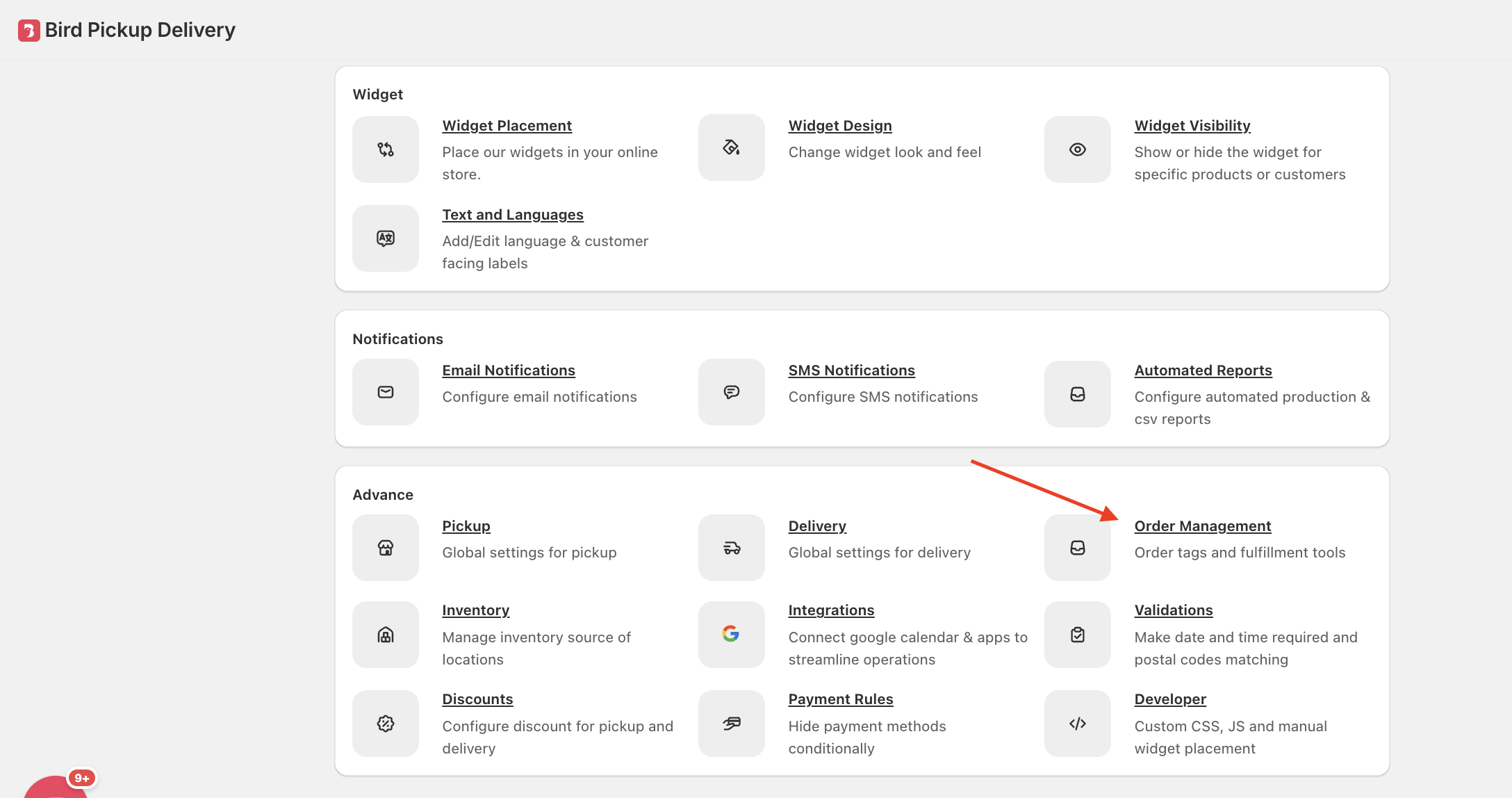
New stores default to 60 days of retention on any plan. On the Essential plan or higher, you can lower this to 30 days if you’d rather keep less data. On the Free plan, retention stays at 60 days.

Why is 60 days the ceiling?
Shopify’s own default lets apps read orders from only the past 60 days. Bird can’t retain order data it isn’t allowed to read from Shopify, so 60 days is the most Bird can keep without extra approval, on any plan.
Extend retention up to 365 days (Scale plan)
Scale Feature: Retention beyond 60 days is available on the Scale plan.
| Plan | Retention options |
|---|---|
| Free plan | 60 days (fixed, can’t be changed) |
| Essential and Growth plans | 60 days (default), or lower to 30 days |
| Scale plan | 30 or 60 days, plus 90, 180, or 365 days |

How to turn it on
- Open Settings > Order Management > Data retention.
- Select 90, 180, or 365 days.
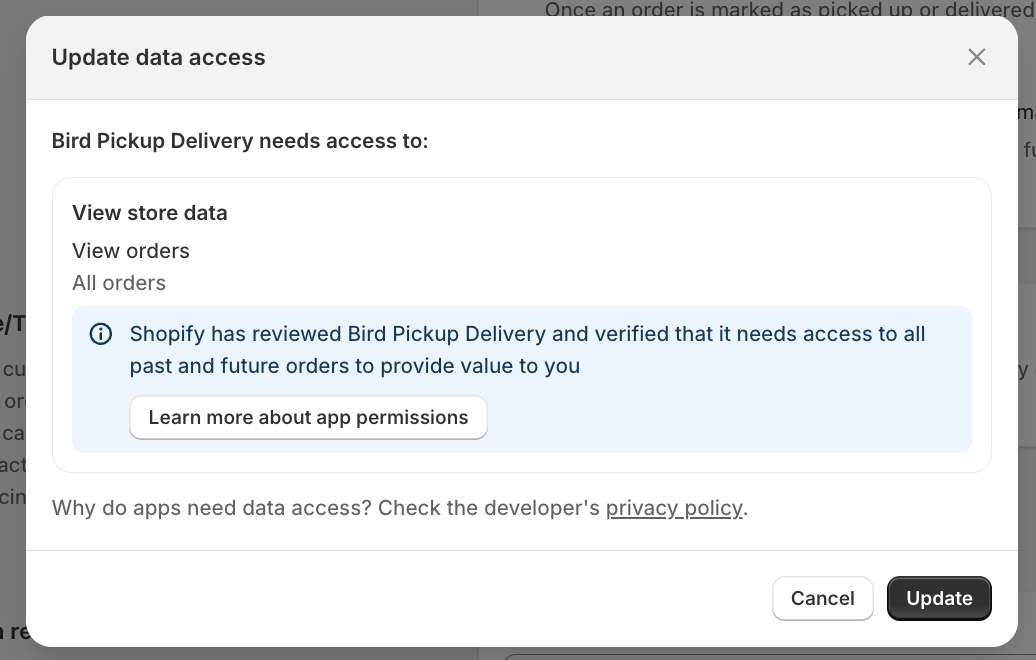
- Approve Shopify’s Update data access request when it appears.
- Your new retention period takes effect once approved.
Related Articles
Was this article helpful?
Thanks for your feedback!