
Feature
App status block for admin and product page extensions
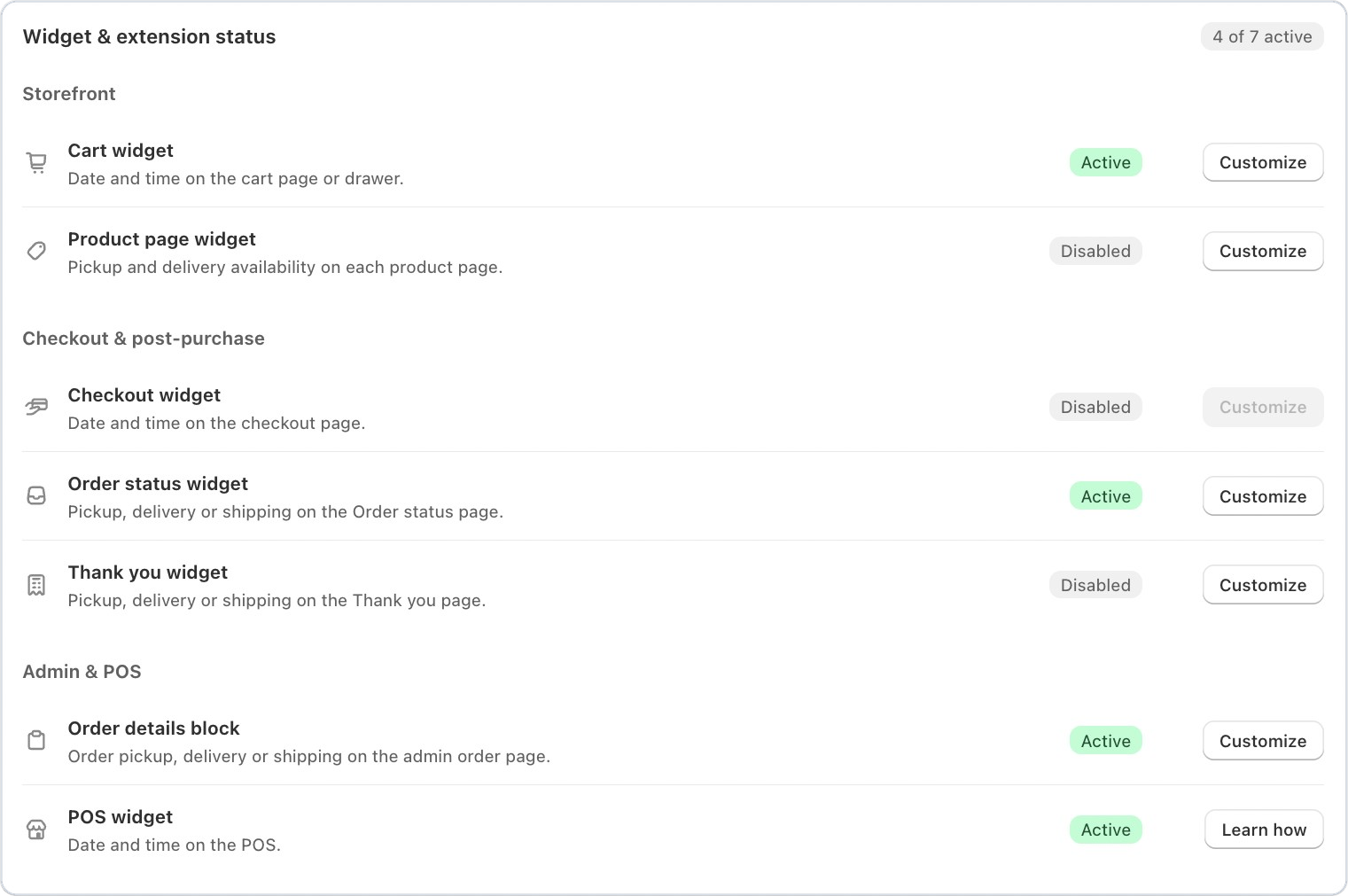
New for Bird Pickup & Delivery merchants: see at a glance which Bird widgets and blocks are switched on across your store, right on the Bird home page.
Where to set it
Bird home page > Widget & extension status
Example
A florist wonders why customers can’t see delivery dates on product pages. The status card shows the Product page widget as Disabled, and Customize opens the theme editor so they can add it.
Things to know
- Covers the cart page, product page, order status and thank-you pages, the order details block on your admin order page, and the POS.
- Each one shows Active or Disabled, with a button that opens the right editor.
- Bird warns you when two widgets clash, so customers don’t see the date picker twice.