
Feature
Delivery availability widget on product pages
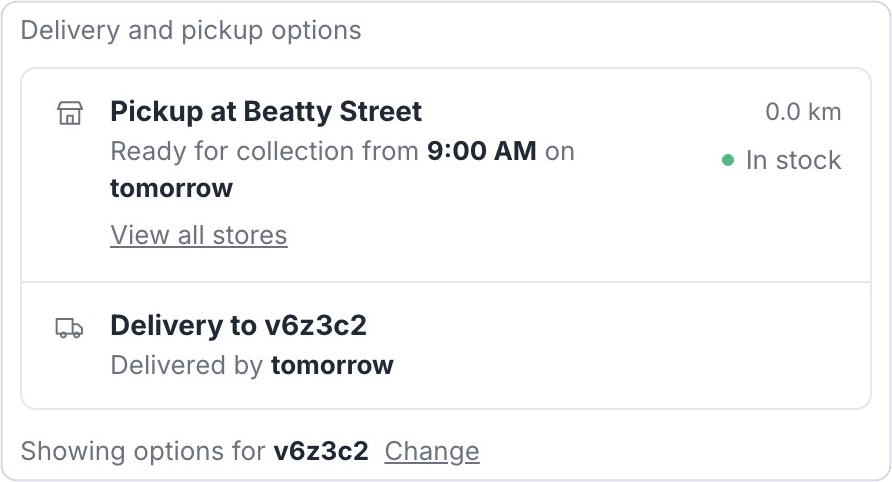
Big news for Bird Pickup & Delivery merchants: customers can now see their pickup and delivery options right on the product page, before they add anything to their cart.
Where to set it
Bird Settings > Widget Placement > Product Page Widget > Add to product page
Example
A bakery customer in Vancouver enters their postal code on a cake’s page and sees it’s ready for pickup at the Beatty Street store from 9am tomorrow, or can be delivered by tomorrow.
Things to know
- Customers see their nearest pickup store with its earliest ready time, and the earliest delivery date for their area.
- With several stores, View all stores lists every pickup location with its distance and opening hours.
- Turn on inventory in Bird to show stock at each store.
- Works with the current Bird widget, which all new installs use.