
Feature
QR code scanner for POS pickup verification
New for Bird Pickup & Delivery merchants who use Shopify POS: scan a customer’s pickup QR code at the counter and Bird finds their order straight away, ready to mark complete.
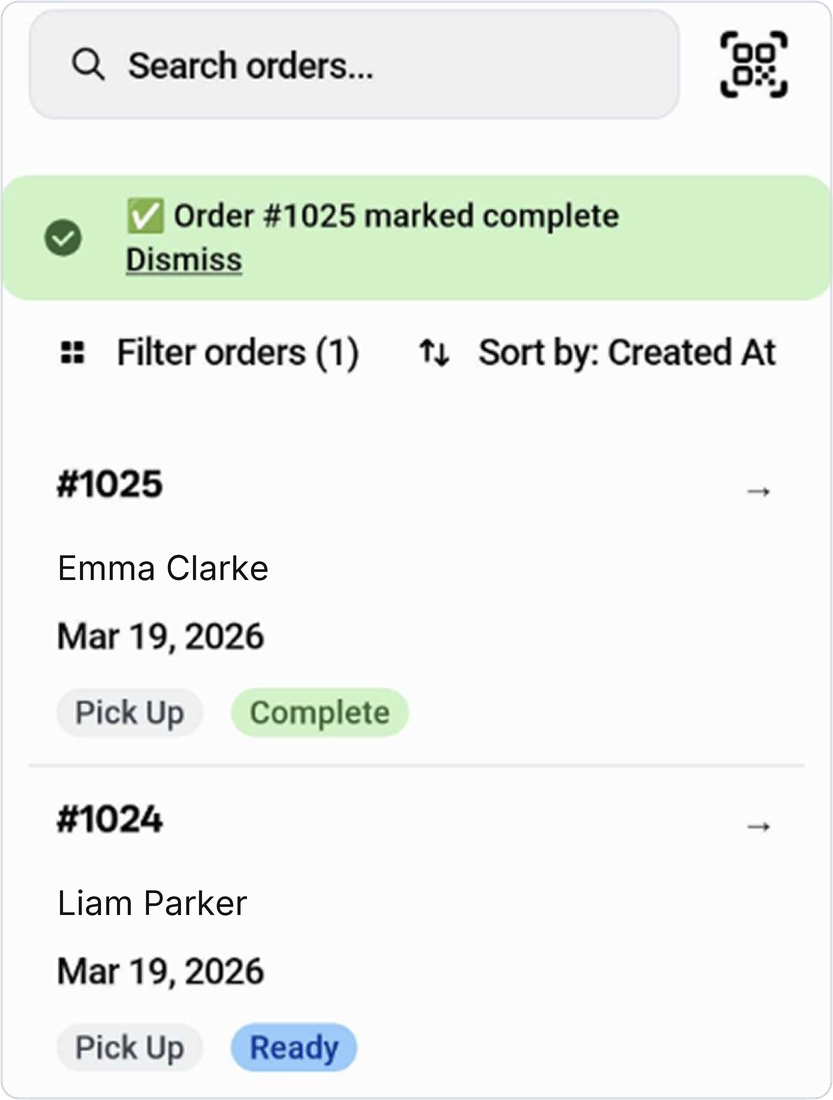
Where to set it
In Shopify POS, open the Bird View Orders tile and tap the QR code button next to the search bar.
Example
A florist’s customer shows the QR code from their Ready for pickup email. The staff member scans it, the matching order opens, and they mark it complete in one tap.
Things to know
- Customers get the QR code in their Ready for pickup email once pickup security codes are on.
- Turn on Enable pickup security code in Bird’s Advanced settings, under Pickup.
- Bird tells you if a code doesn’t match any order that’s ready for pickup.