
 Integrations
Recharge Subscriptions
Connect Recharge Subscriptions to Bird Pickup & Delivery so each renewal order Recharge creates gets its delivery date moved forward to the correct schedule automatically.
Prerequisites
Before you connect, make sure you have:
- Bird Scale plan or above. The Enable Recharge integration button is disabled on lower plans. If you move below Scale after connecting, date syncing pauses until you upgrade again.
- Recharge Subscriptions installed on your Shopify store.
How It Works
- The first order a customer places at checkout keeps the date they picked.
- Each renewal order Recharge creates after that gets its delivery date moved forward by one subscription interval. For example, a weekly subscription moves forward 1 week and a monthly one moves forward 1 month.
- Bird writes the new date to both Recharge and the Shopify order, so you don’t need to update anything by hand.
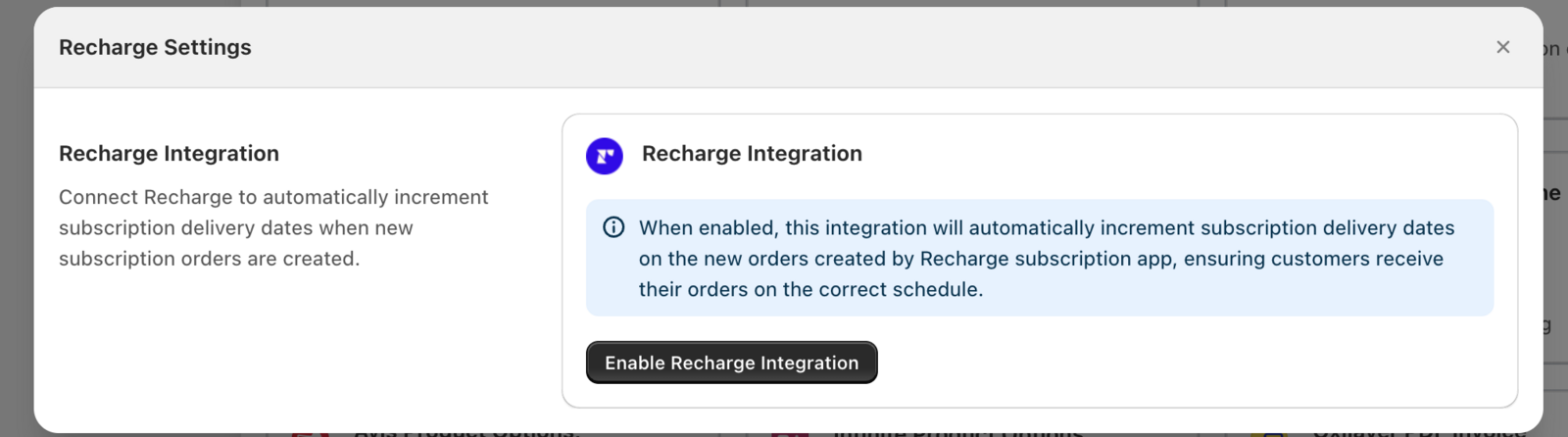
Step 1: Connect Recharge
- In Bird, open Settings > Integrations > Recharge.
- Click Enable Recharge integration.
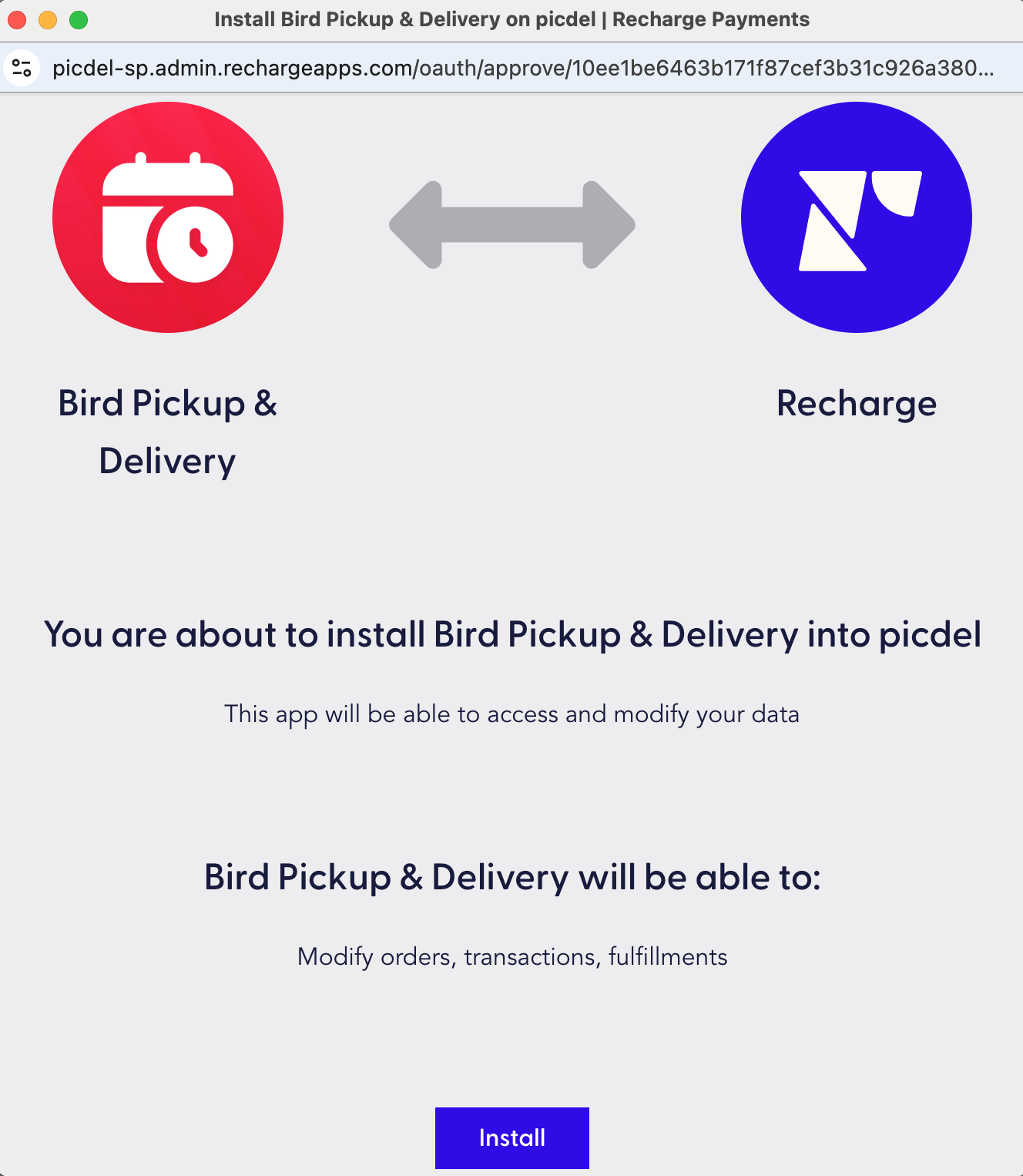
- In the Recharge window, click Install to grant access. You’ll see a “Recharge connected successfully!” message once connected.
Step 2: Choose Whether to Email Customers (Optional)
Once connected, tick Send order edited email when a subscription date changes if you want customers to get an email with their new delivery date each time their subscription renews. Click Edit this email to change what the email says.
Step 3: Review Subscription Logs
Subscription logs list every date change. Each entry shows:
- Order: the order number, which opens the order in Shopify
- Description of action: what changed (e.g., “Recharge: Incremented delivery date from 2025-10-16 to 2025-10-18”)
- Timestamp: when it happened
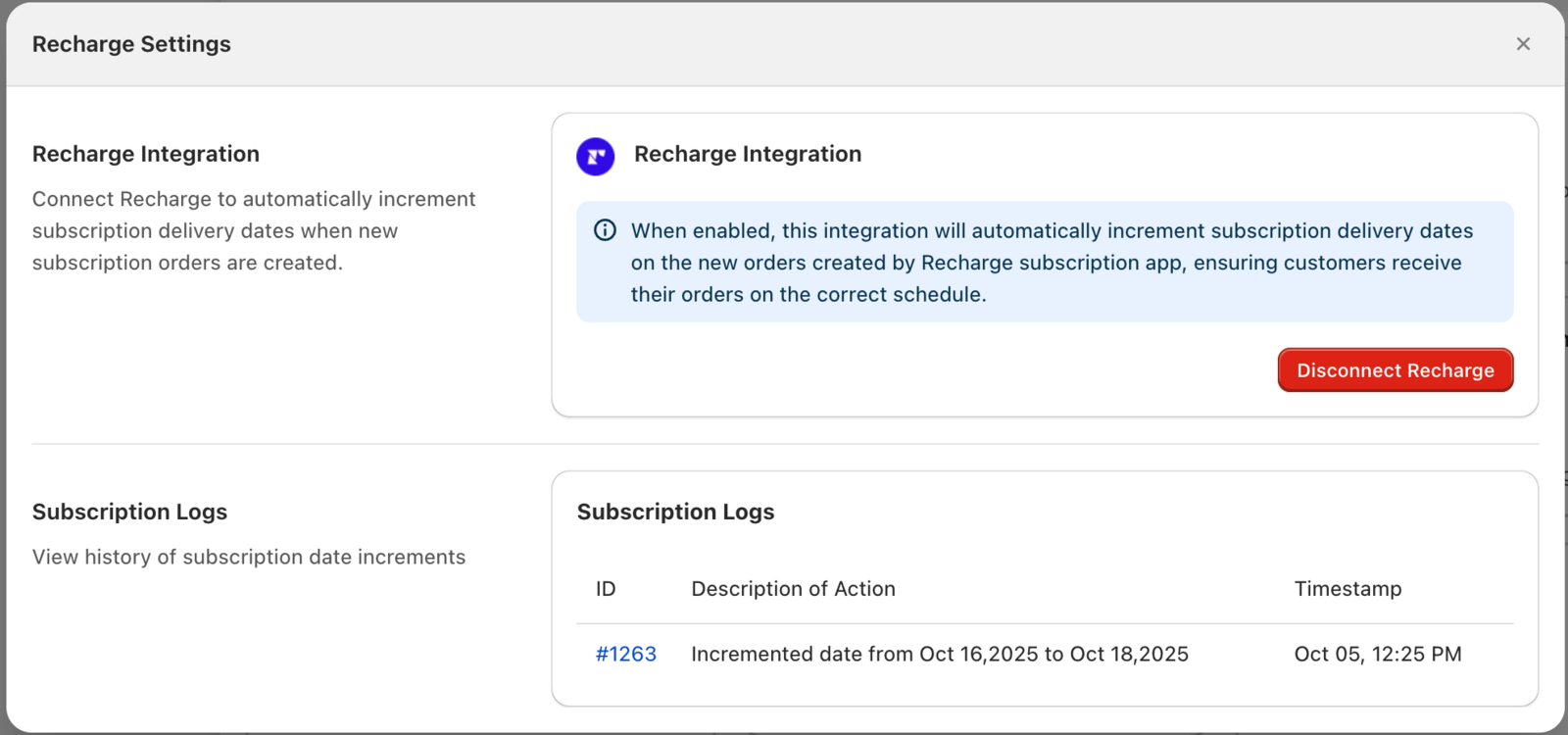
If the new date has already passed, the entry ends with “This date has already passed - set a new delivery date in Recharge.” The store owner gets an email about it, and the customer isn’t emailed. Set a new date on the subscription in Recharge.
Tip: Logs start with the first renewal order. The customer’s first checkout order doesn’t create a log entry, because it keeps the date they chose.
Disconnect Recharge
Click Disconnect Recharge at any time to stop moving delivery dates.
Related Articles
Was this article helpful?
Thanks for your feedback!