Bird Pickup & Delivery Bird Pickup & Delivery

What's New

The latest features, improvements, and fixes for Bird Pickup & Delivery.

September 2026

Bug Fix ·

Multi-location order filters, a Tomorrow filter and 19 more fixes

This Bird Pickup & Delivery update brings new order filters and 19 more fixes and improvements.

Orders and settings

  • Filter orders by several locations at once, instead of one at a time.
  • A new Tomorrow filter sits between Today and Last 30 days on the Orders page.
  • Browse couriers by country on the Integrations page, to find the ones that serve your area.
  • Copy and generate time slots on product overrides: copy a day’s slots to another day, or create several slots at once.
  • Store locations get their map position from Shopify automatically, and you can still adjust it by hand.
  • Syncing your Shopify locations keeps your own zone names and addresses.
  • Postal codes save every time. New postal codes no longer disappear without a message.
  • The up and down arrows work again on Max available days and Minimum order value.
  • Pages in Bird stay working while we release an update, even if you have Bird open at the time.

Checkout and storefront

  • Dates fit every product’s prep time. If a cart mixes items with different prep times, the calendar only shows dates when everything can be ready.
  • Product page dates update when a customer picks a different variant.
  • Calendar dates sit under the right weekday on every theme.
  • The calendar stays visible when Auto-fill first slot is on and a customer switches between pickup and delivery.
  • Switching from pickup to delivery no longer sends your store’s address to checkout.
  • Sold-out time slots stay hidden in every time zone.
  • Change more checkout labels, including Method description and Saved addresses heading, in any language.
  • Widget preview works for stores that show the widget on only some products.

Orders from other apps and subscriptions

  • Subscription dates update when you reschedule, along with their tags.
  • Other apps can’t remove Bird’s tags on draft orders. Bird adds its tags and leaves everyone else’s in place.

SMS

  • Your store name appears in SMS texts, so customers know who’s messaging them.
  • SMS consent is saved exactly as the customer chose it at checkout.
August 2026

Bug Fix ·

Custom discount names at checkout, order editing restored and 10 more fixes

This Bird Pickup & Delivery update brings custom discount names at checkout and 11 more fixes and improvements.

Checkout and storefront

  • Name your discounts. Give any automatic discount your own name, in your language, and that’s what customers see in their cart and at checkout. Leave it blank to keep “Delivery Discount”.
  • Customers can change their date and time again from the thank-you page and their account’s order page.
  • Customers see why an address is or isn’t in your delivery area, with a clear message instead of just a coloured border.
  • Time slot order limits work in every time zone.
  • The calendar shows in the right place on every theme, including themes that reload the cart drawer, like Eurus.

Settings

  • Past blockout dates clear themselves the next time you save a setting, so old dates no longer pile up.
  • The Rates page only lists a location under Delivery or Pickup if that method is turned on there.
  • Widget Preview opens on the location you came from, not the first one in the list.
  • The fallback rate setting shows clearly when nothing is chosen.
  • Google Calendar connects first time again.

Orders

  • Draft orders get their delivery tags on the first save, and the booking shows straight away.
  • Orders your staff create in Bird show real stock levels, not everything as in stock.
Bug Fix ·

Delivery times in your time format and 8 more fixes

This Bird Pickup & Delivery update shows delivery times in your own time format, plus 8 more fixes.

Orders

  • Delivery times follow your time format. The Orders page and the order details editor use your 12-hour or 24-hour setting everywhere, instead of a mix of both.
  • Draft order details load in one go, with a single loading spinner instead of fields appearing one by one.

Checkout and storefront

  • The chosen date and time stay put when the checkout page reloads.
  • Draft orders keep their chosen time slot through checkout.
  • Customers see why an address is or isn’t in your delivery area on stores that deliver by distance, instead of just a coloured border.
  • Postal codes with a space, like UK postcodes, no longer flicker or gain a stray full stop while customers type on a Mac.
  • Each pickup location shows the right kind of choice, a date only or a date and time, when your locations are set up differently.

Settings

  • Widget Preview keeps your choices when you change the preview date, and the occasional “Save failed” message is gone.
  • Removing a postal code keeps your place in the list, instead of jumping back to the top.

July 2026

Bug Fix ·

Address validation for distance-based delivery restored and 4 more fixes

  • Checkout address validation restored for distance-based stores — stores using driving-distance or radius-based delivery validation had checkout address re-validation silently disabled, even when the toggle was on; customers could change their address at checkout without being prompted, potentially receiving incorrect delivery rates — now fixed for all delivery modes
  • Checkout date picker locale fix — the date/time picker in checkout now renders correctly for all shop languages; shops using 24-hour time format no longer have the time field hidden
  • Google Calendar sync on account switch — switching your connected Google account now properly recreates calendar events instead of leaving stale entries. Google Calendar setup
  • Recharge subscription order logs — orders from the Recharge app are now correctly logged in your Bird order history . Learn more about Recharge integration from here
  • Partial refund amounts in admin orders — admin order line items now display partial refund details alongside the original amounts
Bug Fix ·

UK and Canadian postcodes with spaces, Orders filters and 6 more fixes

  • UK and Canadian postal codes with spaces accepted — postcodes like RG26 5DB or V5K 0A1 no longer fail delivery validation; internal spaces are now preserved
  • Refunded line items visible in admin orders — fully or partially refunded orders now show their line items instead of appearing empty
  • Orders page date filter no longer stuck — the date filter no longer defaults to a stale fixed date on every page load
  • Cross-page select-all works on Orders — selecting all orders via the banner action now correctly reflects across pages
  • V2 widget design preview loads — the in-app widget preview no longer fails with a configuration-not-found error
  • Delivery fee no longer shown for pickup in V2 — switching to the V2 widget no longer causes pickup locations to display a delivery fee
  • Thank-you page labels no longer flash — configured labels on the order confirmation page now appear immediately instead of briefly showing generic text
  • Checkout picker no longer exhausts Shopify write budget — the date/time picker in checkout extensions now pins to a single render target, preventing repeated remounts that could block further cart writes
Bug Fix ·

Dateless orders on Plus checkout stores

Fixed an issue where Plus stores using the checkout extension could ship orders without a delivery or pickup date. A write-loop in the checkout picker was clearing the customer’s selected date during delivery-rate recomputation. Orders now reliably retain the chosen date through checkout.

Bug Fix ·

Checkout no longer blocks on config errors, Recharge date sync and 5 more fixes

  • Checkout no longer blocks when widget config can’t load — the checkout payment button now gracefully allows purchases to proceed instead of silently blocking when the Bird configuration fails to load
  • Discount codes no longer cause checkout errors — fixed an issue where Shopify discount codes applied through the widget could cause a blank page or failed checkout on certain themes
  • Recharge subscription date sync fixed — date bumping now correctly recognizes all Recharge checkout variants, and the sync job no longer retries indefinitely on permanent errors
  • Pickup location highlight color applied correctly — the merchant-configured active background color for selected pickup locations now displays as expected
  • Switching from pickup to shipping clears stale data — changing fulfillment method at checkout no longer leaves stale pickup attributes on the order
  • Product page widget works without cart embed — the product page date picker now initializes independently, so it works even when the cart embed is disabled
  • Custom CSS works on all Liquid versions — custom styles are now injected by the SDK bundle, so they apply regardless of which Liquid snippet version is deployed
Bug Fix ·

Shipping zone updates at checkout, POS dates and 3 more fixes

  • Shipping zone updates reflected at checkout — updating zones (e.g. adding a region) now immediately shows the correct rates at checkout
  • POS delivery dates display correctly — delivery dates on POS devices now use the server clock and location timezone instead of the device’s local settings, preventing incorrect date display
  • Cleaner notification emails — removed an unnecessary empty QR code attachment from pickup emails when security codes are disabled, and fixed locale fallback so emails always use the correct language template
  • Smoother checkout without delivery postal codes — customers no longer see unnecessary validation errors when no delivery postal codes are configured
  • Widget V2 discount sync — toggling between widget versions now correctly syncs discount configurations

June 2026

Bug Fix ·

Checkout extension delivery customisation and shipping rates fixed

The checkout extension’s delivery customisation was not correctly filtering shipping rates provided through Shopify’s native carrier service. Rates are now properly matched and displayed, ensuring customers only see applicable delivery options at checkout.

Bug Fix ·

Improved user experience of order edit modal

Improved order edit modal in the Shopify admin with correctly ordered fields

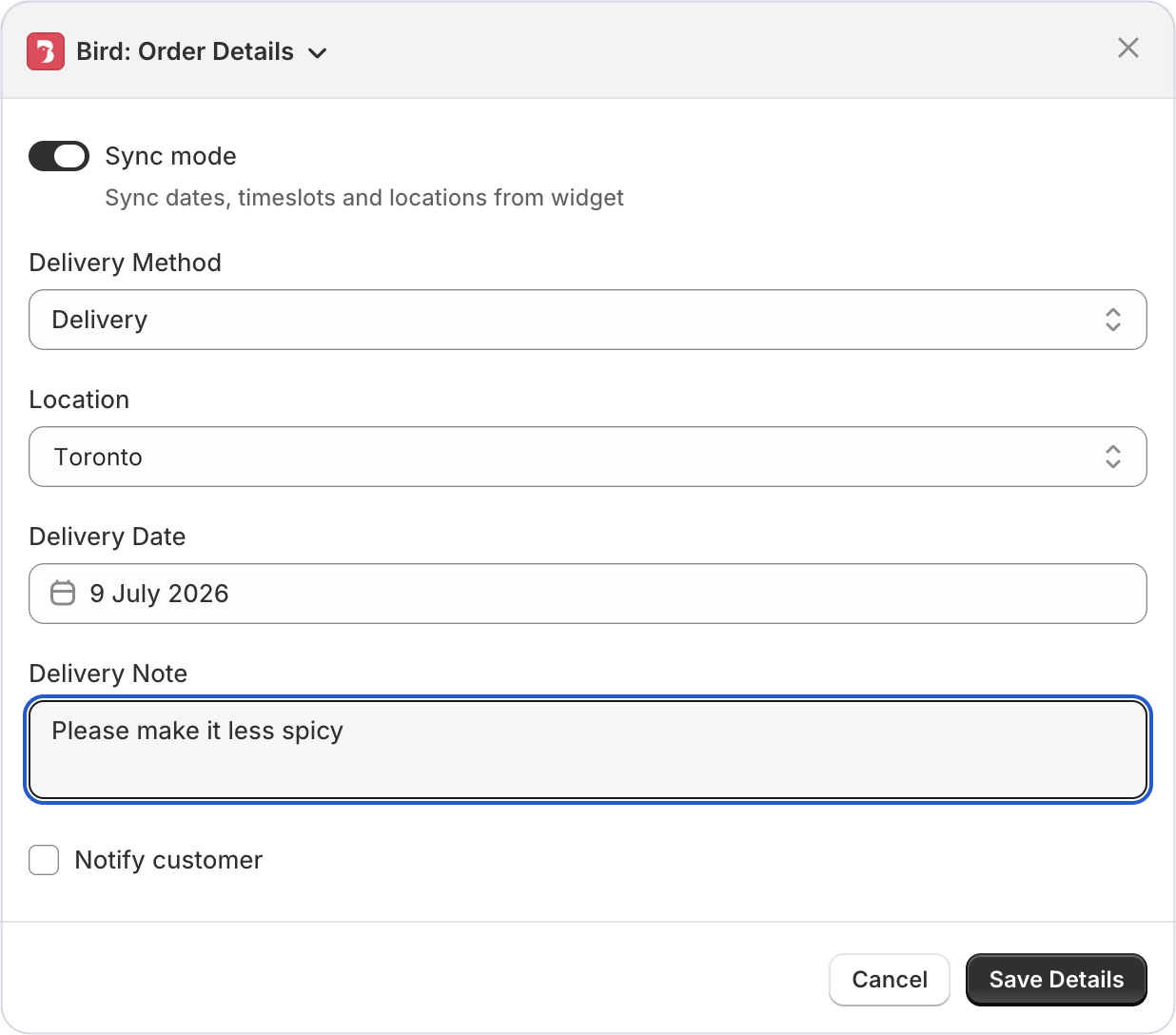
When editing order details in the Shopify admin, form fields could appear out of order or the panel would resize unexpectedly as the Bird extension loaded. Fields now appear together in the correct order from the start, with no layout jitter.

Bug Fix ·

Delivery rates now display correctly on mobile checkout

Customers on mobile who selected a delivery date and time at checkout were seeing unfiltered shipping rates instead of the correct rates configured in Bird. Rates are now properly filtered on mobile, matching the desktop experience.

Bug Fix ·

Thank you page widget clearly shows store name and address

Thank you page widget showing store name and address in separate sections

The thank you page confirmation widget was displaying the store’s address in the store name section instead of showing both clearly. The widget now correctly displays your store name and address in their respective sections.

Bug Fix ·

Delivery dropdown no longer stuck validating at checkout

The v2 delivery dropdown could get stuck in a validating state at checkout even when all fields were properly selected, preventing customers from completing their order. The validation logic has been corrected.

Bug Fix ·

Widget v2 now respects custom CSS selector placement

If you configured a custom CSS selector to control where the Bird scheduling widget appears, Widget v2 was silently ignoring it and falling back to the default position. Your custom placement settings are now respected as configured.

Bug Fix ·

Google Maps API errors no longer cached with key status surfaced

Failed Google Maps API responses were being cached, causing persistent delivery zone lookup failures even after the underlying issue was resolved. Errors are no longer cached, and your Google Maps API key status is now visible so you can spot issues faster.

Bug Fix ·

Minimum order value enforcement fixed at checkout

The minimum order value setting was not being enforced correctly, allowing customers to bypass the configured threshold. Orders below your minimum now properly show the restriction at checkout.

Bug Fix ·

Third-party carriers now filtered by location in delivery profiles

When updating delivery profiles, third-party carrier services were not being filtered by location availability, potentially showing carriers that don’t serve certain locations. Carriers are now correctly filtered based on where they actually operate.

Bug Fix ·

Carrier rate name variables now resolve correctly at checkout

Carrier-calculated shipping rate name with resolved date and time variables at checkout

Rate names using {{selected_date}} and {{selected_time}} variables in carrier-calculated shipping were not substituting properly, showing raw template text to customers. Variables now resolve correctly so customers see the actual date and time at checkout.

May 2026

Bug Fix ·

Postal codes with spaces now accepted at checkout

Postal codes containing spaces (common in the UK and Canada) were being incorrectly sanitized at checkout, causing delivery availability checks to fail. Spaces are now preserved correctly so customers can enter their postal code naturally.

Bug Fix ·

Widget no longer crashes on SKUs with apostrophes

Product SKUs containing apostrophes (e.g., Mother’s-Day-Cake) were causing the v1 scheduling widget to break with a JavaScript error. Special characters in SKUs are now handled safely.

Bug Fix ·

Language settings now load for stores with 50+ themes

Stores with a large number of installed themes were unable to load the Language Settings page. This has been fixed so translation customization works regardless of how many themes your store has.

April 2026

Bug Fix ·

Delivery postal code & slot selection now persists correctly on cart reload

Customers who select a delivery date and postal code will now see their choices preserved when they return to the cart — no need to re-enter anything. If a postal code is entered for an area without local delivery, it will no longer persist and trigger a misleading ‘delivery not available’ error on the next load.

Bug Fix ·

CCS delivery rates now apply correctly in Shopify POS

Merchants using Bird with Shopify POS can now rely on carrier-calculated shipping rates being applied correctly when processing scheduled orders via the Bird: Schedule Order tile. The right delivery cost is charged every time — keeping fulfillment consistent and eliminating manual rate adjustments at the counter.

Bug Fix ·

SMS order notifications no longer fail on missing customer data

SMS notifications were failing with a Liquid template error when certain order fields — such as customer name or contact info — were absent. These fields now gracefully handle missing data, so your SMS notifications send reliably even for guest checkouts or orders with incomplete customer profiles.

Bug Fix ·

Calendar dates stay disabled after cart updates on Broadcast theme

Calendar Dates Stay Disabled After Cart Updates on Broadcast Theme : On stores using the Broadcast theme, unavailable dates in the scheduling calendar were becoming clickable whenever a customer updated their cart (e.g., changed item quantity). This caused customers to select dates that should not be available. The issue is now fixed — blocked-out dates stay correctly disabled throughout the shopping session.

March 2026

Bug Fix ·

Order source name and order number now sync correctly

Order source name and order number are now reliably captured and stored when orders sync from Shopify. Previously, some orders were missing these fields, making it harder to track where orders originated. This fix ensures complete order data is always available in the app.

Bug Fix ·

Scheduling widget no longer appears twice on Horizon theme

Scheduling Widget No Longer Appears Twice on Horizon Theme : If you’re using Shopify’s Horizon theme, the Bird scheduling widget was appearing twice inside the cart drawer. This is now fixed — your customers will see a single, clean widget every time they open the cart.

Bug Fix ·

POS checkout now respects product tag-based restrictions

POS Checkout Now Respects Product Tag-Based Restrictions : Merchants using Bird with Shopify POS can now rely on product tag rules to correctly filter available pickup locations and delivery time slots at checkout. Previously, tag-based restrictions weren’t being applied in the POS flow — this is now fixed, ensuring customers only see the options that match their cart.

Bug Fix ·

Background order cleanup no longer fails due to subscription data conflicts

Background Order Cleanup No Longer Fails Due to Subscription Data Conflicts : A backend issue was causing scheduled jobs that clean up old orders to fail silently. This has been resolved — housekeeping runs smoothly now, keeping your app performant and storage lean over time.