Bird Pickup & Delivery Bird Pickup & Delivery

What's New

The latest features, improvements, and fixes for Bird Pickup & Delivery.

June 2026

Improvement ·

Order details auto-selects location based on your dashboard order

When you open the Bird order details action in Shopify admin, the location field now automatically selects the first available location for pickup & delivery based on the location order defined in your Bird appp dashboard locations settings page — saving you a click and ensuring the most relevant location is pre-selected.

Improvement ·

Faster checkout widget with batched cart attribute writes

The checkout widget now batches cart attribute updates and skips writes when nothing has changed, reducing unnecessary network calls. Customers experience a snappier checkout flow, and a “Try again” action now appears if a save fails, so they can retry without refreshing the page.

Improvement ·

Express checkout buttons hidden on cart page when Bird widget is active

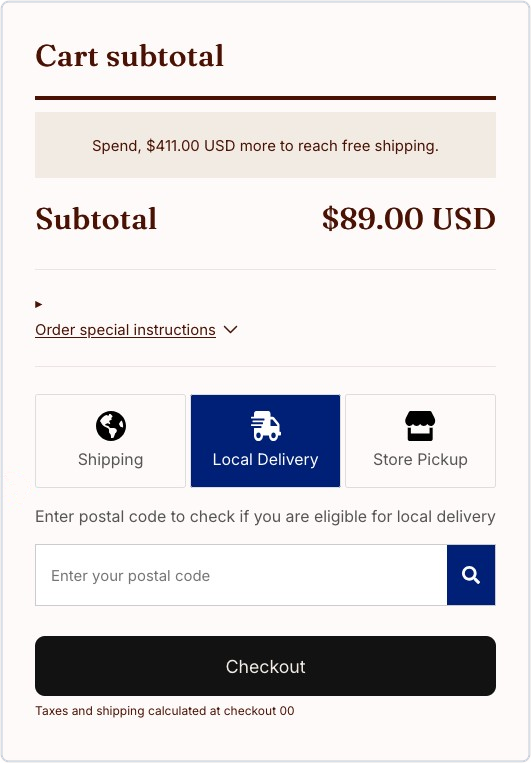
Shopify’s express checkout buttons (Apple Pay, Google Pay, Shop Pay) are now automatically hidden on the cart page when the Bird scheduling widget is active, due to compatibility issues. Express checkout buttons remain available on the checkout page where they work normally.

May 2026

Improvement ·

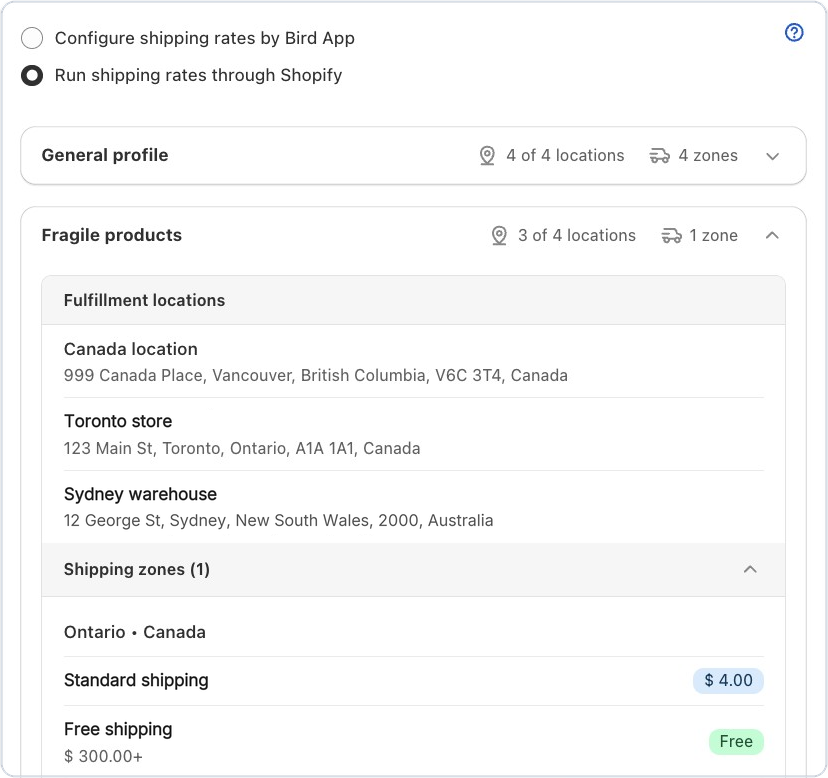
Collapsible shipping zones in rates preview

Shipping profiles and zones in the rates preview are now collapsible. If you have many zones configured, collapse the ones you don’t need to focus on — reducing visual clutter and making it easier to review your rate setup.

Rates preview with shipping zones collapsed to reduce clutter

Improvement ·

Uncovered rate range warnings in rates setup

The Rates setup page now highlights gaps in your delivery rate configuration — whether by price, weight, order day, or selected day conditions. Catch missing ranges before customers hit checkout and see no delivery options.

April 2026

Improvement ·

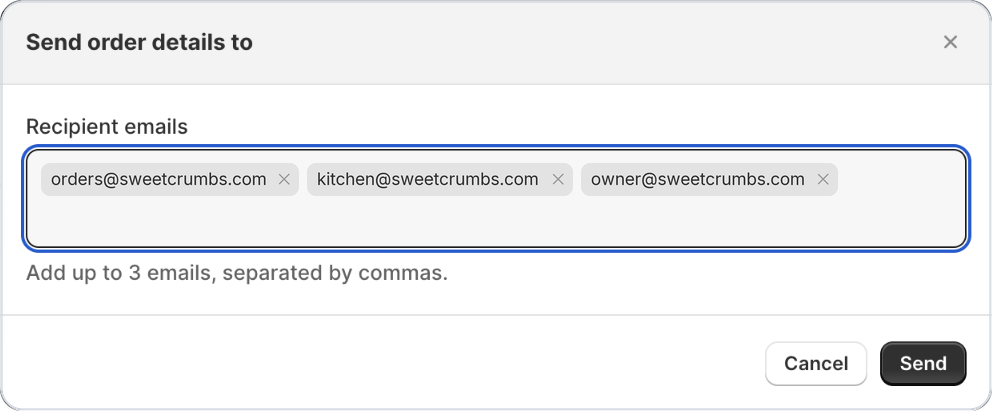
Staff notifications now include customer phone & email

Your staff can now reach customers directly from the order notification email — no need to log into Shopify just to find a phone number or email. This means quicker communication when there’s a delivery delay, a substitution, or a scheduling question, reducing back-and-forth and keeping customers happy.

Improvement ·

Pesto theme now officially supported

The Bird scheduling widget now automatically inserts in the correct position on stores using the Pesto theme — right before the checkout button. No manual theme customization or code edits required.

Bird scheduling widget shown before the checkout button on a Pesto theme store

Improvement ·

App embed setup now includes a guided GIF

Animated walkthrough of enabling the Bird app embed in the Shopify theme editor

Setting up the Bird widget just got easier. The App Embed onboarding section now shows a looping GIF that walks you through enabling the widget step by step — no need to open a video or leave the page. Merchants new to Bird can get up and running faster with less guesswork.

March 2026

Improvement ·

Add custom product tags inline without leaving the page

You can now type and add a brand-new product tag directly in the tag field, even if it doesn’t exist in your store yet. If no matching tags are found, an ‘Add custom tag’ action appears inline — no need to navigate away to create the tag first. This keeps your product rule configuration flowing without interruptions.

Inline 'Add custom tag' action in the product rule configuration

Improvement ·

Order updates now apply to orders created before app install

Orders that were created in Shopify before you installed Bird are now updated correctly when those orders are modified. Previously, changes to older orders were being skipped, which could result in outdated order data in the app. All orders within your configured lookback window will now stay in sync.

Improvement ·

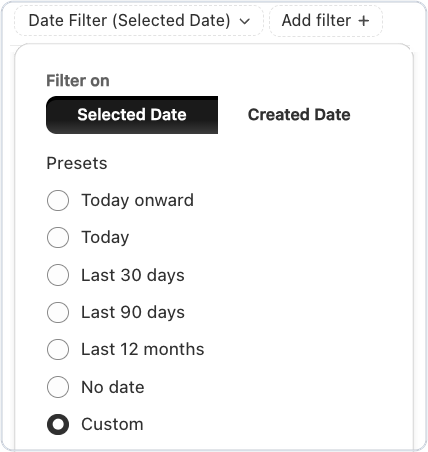
Order calendar filters now persist while you work

Order Calendar Filters Now Persist While You Work : Filters you apply in the Orders calendar now stay in place as you navigate within the orders section — no more losing your filter selections mid-session. We also removed the automatic pre-selection of the first location, so the calendar now shows all locations by default until you choose one.

September 2023

Improvement ·

More organised settings page

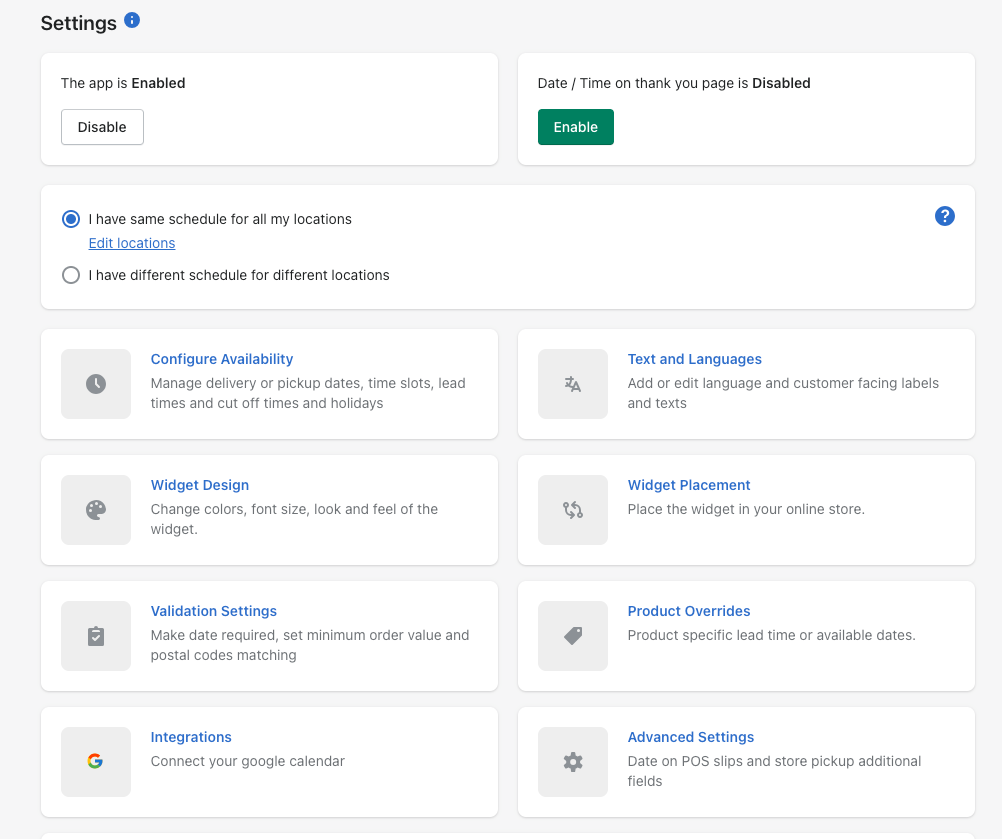
Bird pickup & delivery has a new settings page, consisting of easy-to-understand and navigate cards format.

Bird app settings page with sections for availability, widget design, and more

October 2022

Improvement ·

Sort orders by delivery date

Now you can view upcoming deliveries by sorting the orders by the delivery date. And search orders by order number in the app’s orders page.

Orders search bar with a 'Sort by Delivery Date' option