
 Last Mile Delivery
Last-Mile Couriers: Overview
B
Written by Bird Pickup & Delivery
Updated October 23, 2026
Bird can hand your local delivery orders to a third-party courier, so you don’t need your own drivers. Pick a courier from the catalog, connect your account with that courier, and Bird prices deliveries at checkout and sends each order to the courier when you dispatch it.
Requirements
- Bird’s Essential plan or higher. On the Free plan, courier tiles show an Essential badge and can’t be opened.
- Multi-location turned on in Bird
- Your own account with the courier
- Local Delivery set up, with delivery days and time slots
Find a courier
- Go to Bird Settings > Integrations.
- Open the Last Mile Delivery tab.
- Use Search couriers or countries, or tick your country under Location, to see who delivers where you are.
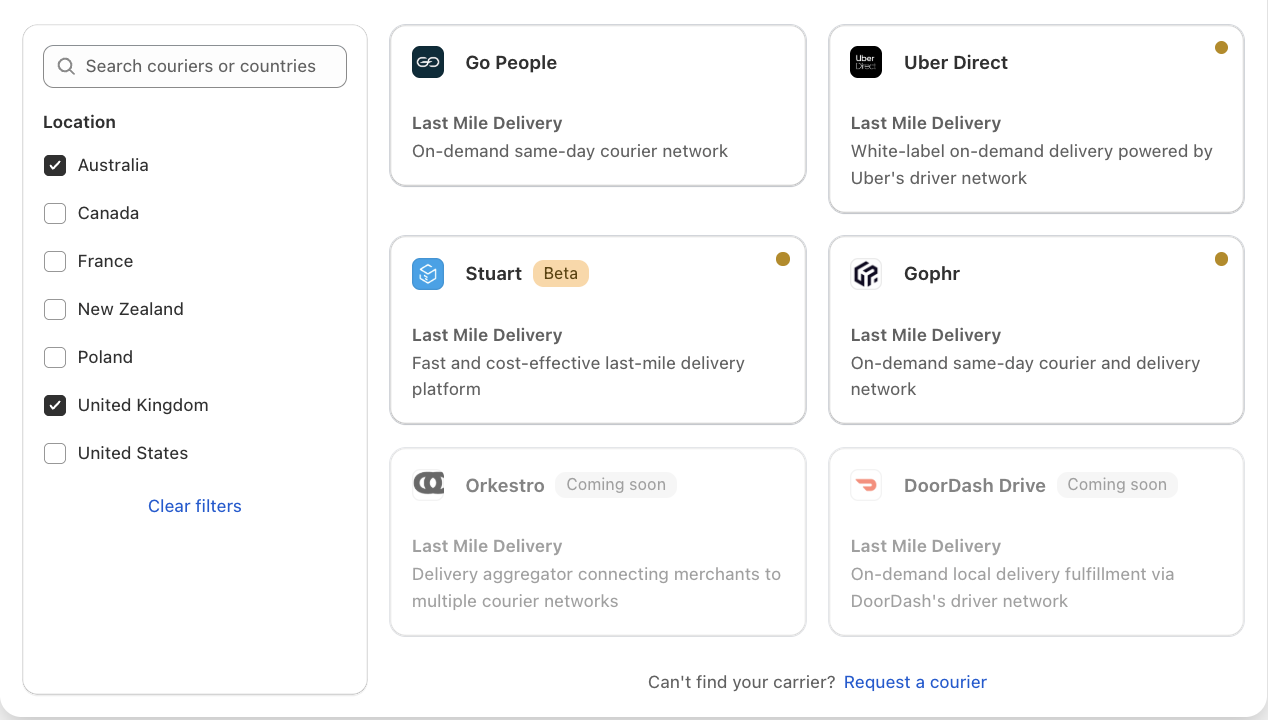
Each tile shows the courier’s status:
- A green dot means connected and verified.
- An amber dot means connected, but no delivery location is turned on yet.
- Beta means the courier is live but still being refined.
- Coming soon couriers are greyed out and can’t be connected yet.
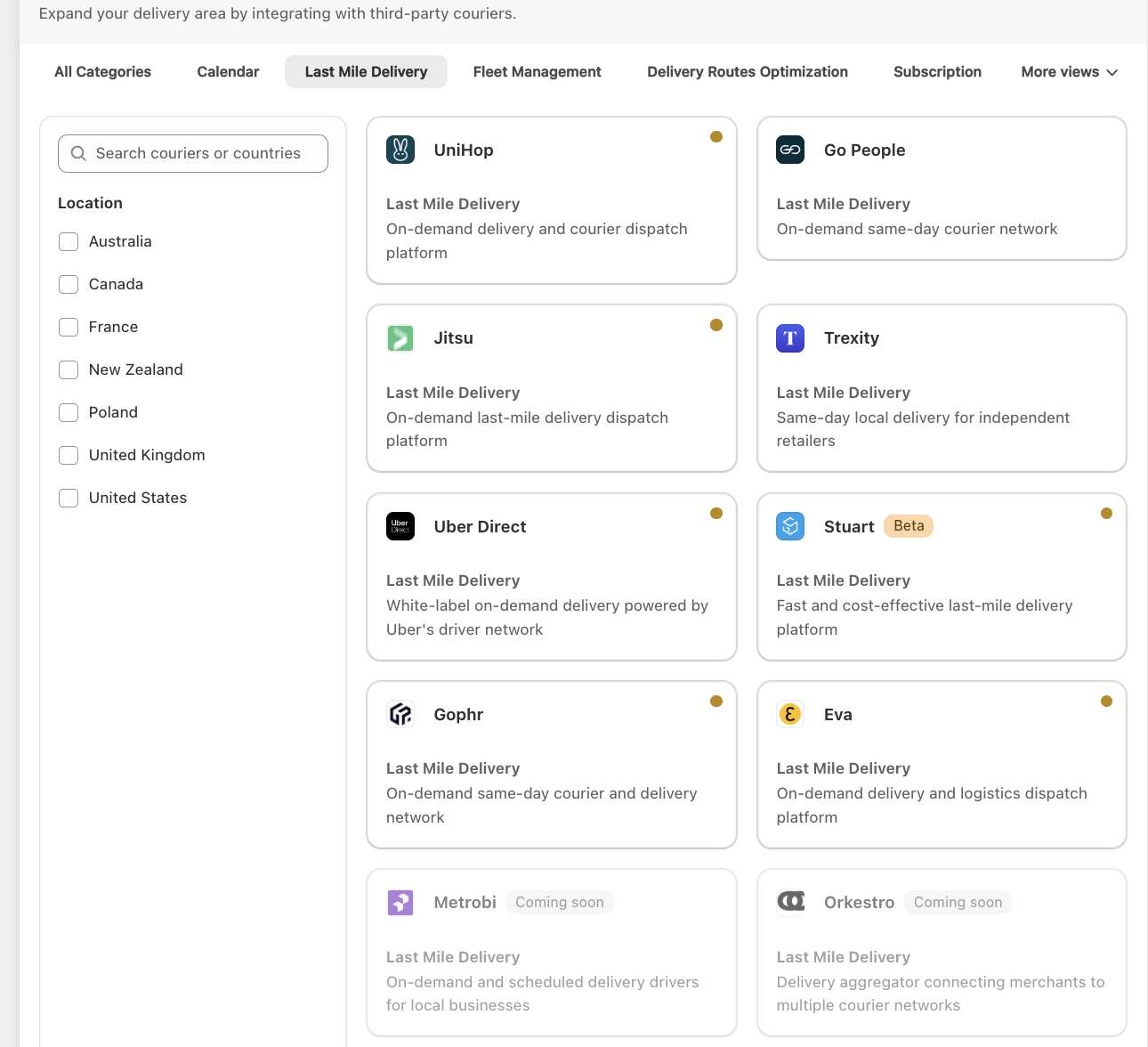
Available couriers
💡
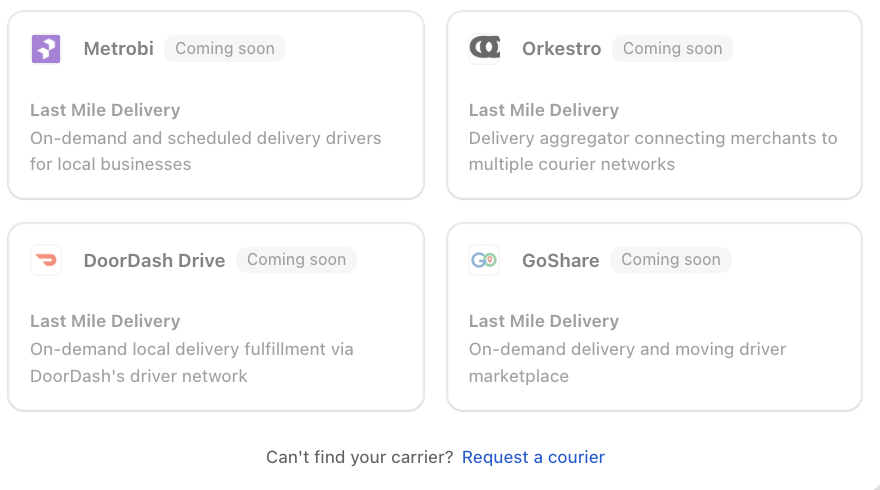
Coming soon: DoorDash Drive, GoShare, Metrobi and Orkestro.
Couriers and your locations
- You choose which locations each courier delivers for. A location can only use one courier.
- A courier can only deliver for locations in the countries it serves.
- Couriers that quote a live price at checkout need Bird Rates with CCS. See Bird Rates vs CCS Rates.
- Orders go to the courier when you mark them Dispatched in Bird, not when they’re placed.
- Couriers collect from your location’s latitude and longitude. If quotes fail or the pickup pin is wrong, open the location in Bird Settings > Configure locations, click Edit location and use Override latitude and longitude.
Each courier’s article covers its own setup steps and settings.
Can’t find your courier?
Scroll to the bottom of the Last Mile Delivery tab and click Request a courier to tell us which one you’d like.
If you run your own drivers, see Fleet Management for platforms like Detrack and Shipday instead.
Related Articles
Was this article helpful?
Thanks for your feedback!